For HR & recruiting teams
Interview scheduling and info sessions? Just ask your AI.
Take interview bookings, info session registrations and applications in one place. Ask your AI assistant (Claude, ChatGPT and more) to build the pages and draft the messages to candidates.
Free plan available · No credit card required. Try every feature free for 14 days.
* Example with Madoake's AI integration (MCP) connected to your AI assistant. New pages are saved as drafts; you review and publish them in Madoake.
From info session to offer
- 1A tracking link for every job board and career fair
- 2Take info session registrations
- 3Application form
- 4Straight to booking an interview
- 5Interviewers notified in Slack or Teams

4 recruiting tasks off your plate
BeforeEmailing candidates a list of times, waiting for replies, adding the slot to the interviewer's calendar, then sending a meeting link
- MadoakeJust send your booking page link. Candidates only see times when the interviewer is free
- MadoakeWhen a candidate books, the calendar event and video meeting link (Google Meet, Teams or Zoom) are created automatically
- MadoakeConfirmation and reminder emails go out automatically, and your team gets notified in Slack or Teams
BeforeCopying registrations into a spreadsheet, sending reminders the day before, then following up with thank-yous and interview invites
- MadoakeSet capacity and a deadline for each session. Confirmations, day-before reminders and thank-you emails are automatic
- MadoakeAttendees can go straight from the post-session survey to booking an interview
BeforeReceiving an application, then starting a whole new email thread to schedule a call
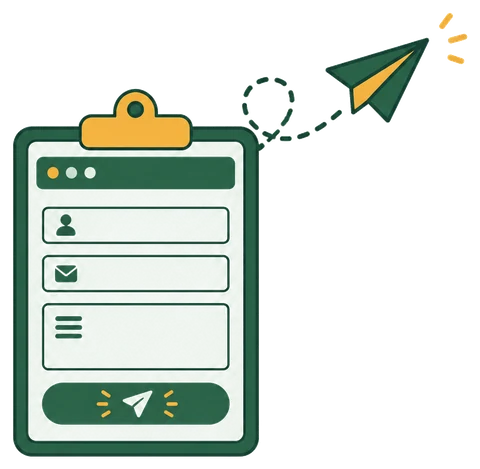
- MadoakeApplicants go straight from your form to your interview booking page
- MadoakeAsk whatever questions you need
 Know which job board or event works
BeforeNo idea which job board, career fair or social post brought in an applicant
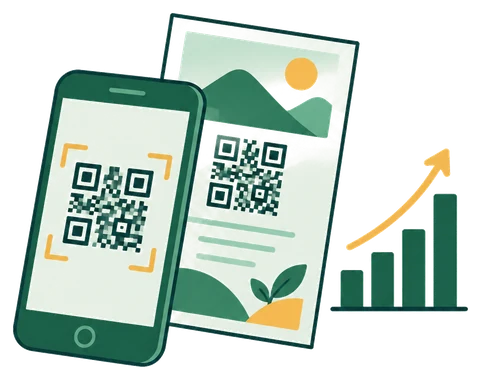
- MadoakeCreate a tracking link and QR code for each channel, and every booking and registration records its source
- MadoakeHand out QR codes at career fairs to measure each event
The most powerful way to use it | AI integration (MCP)
Things you can ask your AI
Connect Madoake to your AI assistant (Claude, ChatGPT and more), and building pages or pulling numbers is just a conversation. Pages your AI creates are saved as drafts, and you review them before publishing.
See how to connect your AI- Set up a registration page for next week's online info session (30 seats). Afterward, invite attendees to book an interview
- Create a booking page for first-round interviews: 45 minutes, weekdays 10 AM – 5 PM, on Teams
- Break down this month's info session registrants by job board
- Make a QR code to hand out at our career fair booth
Recommended plan
About $53/month
If you run info sessions, the Seminar plan adds session management. For interview scheduling and application forms only, the Booking plan is enough.
- Everything in the Booking plan
- Capacity and registration deadline per session, reminder and thank-you emails
- Registrant management for Zoom Webinars, Google Meet and Teams, plus announcement images
- Up to 5 hosts included (¥500 (about $3)/month for each additional host)
- Custom plans for teams of 100 or more
See the Free plan and all plans on the pricing section.
Frequently asked questions
Can each interviewer have their own booking page?
Yes. Create a booking page per interviewer, each using their own calendar availability. Up to 5 hosts are included at no extra cost.
Can candidate info go into Notion?
Yes. Bookings, registrations and responses can be added to a Notion database automatically.
Can recruiting pages use a different name from the company?
Yes. Create a brand to match the name, logo and colors of your careers site.
Try it free for 14 days
No credit card required. Publish your first booking page in about 10 minutes.