For schools, tutoring centers, studios and training providers
From info sessions and trial classes to consultations and enrollment. Just ask your AI.
Take info session and trial class registrations, post-session surveys and consultation bookings in one place. Ask your AI assistant to set up next month's sessions for you.
Free plan available · No credit card required. Try every feature free for 14 days.
* Example with Madoake's AI integration (MCP) connected to your AI assistant. New pages are saved as drafts; you review and publish them in Madoake.
From info session to enrollment
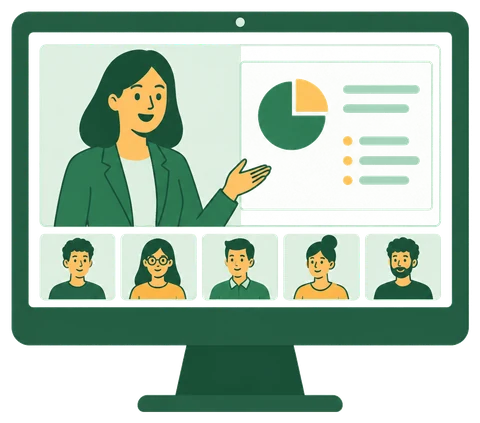
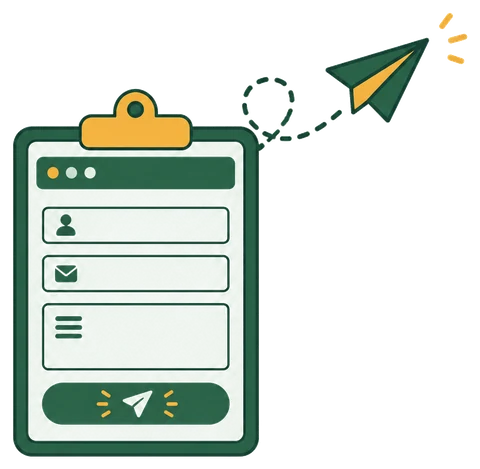
- 1Take info session and trial registrations
- 2Confirmations and reminders go out automatically
- 3Post-session survey
- 4Straight to booking a consultation
- 5See which campaign led to each enrollment


4 admissions tasks off your plate
BeforeTaking sign-ups by phone or contact form, copying them into a spreadsheet and counting seats
- MadoakeSet capacity and a deadline for each date. Registration closes automatically when full
- MadoakeConfirmation, day-before reminder and thank-you emails are automatic
- MadoakeFor paid courses, students pay by card when they register
BeforeCollecting paper surveys and calling interested families to set up a meeting
- MadoakeSurvey respondents go straight to your enrollment consultation booking page
- MadoakeRoute only the right people based on their answers
BeforeChecking which instructors or staff are free, then setting a time by phone
- MadoakeJust send your booking page link. Families only see open slots on staff calendars
- MadoakeConfirmations and reminders are automatic; online meetings get a video link
BeforeNo idea whether a sign-up came from a flyer, social media or word of mouth
- MadoakeCreate a tracking link and QR code for each campaign, and every sign-up and booking records its source
- MadoakeShow each location or brand under its own name and colors
The most powerful way to use it | AI integration (MCP)
Things you can ask your AI
Connect Madoake to your AI assistant (Claude, ChatGPT and more), and building pages or pulling numbers is just a conversation. Pages your AI creates are saved as drafts, and you review them before publishing.
See how to connect your AI- Create four info sessions in November, every Saturday at 10 AM, 10 seats each
- Make a post-trial survey. Only invite families who are considering enrolling to book a consultation
- Break down this month's trial sign-ups by flyer, Instagram and referral
- Make a QR code for the flyers we're handing out at the station
Recommended plan
About $53/month
Schools that run sessions every month get the most from the Seminar plan, with capacity and reminders per date. If you only take consultation bookings, the Booking plan is enough.
- Everything in the Booking plan
- Capacity and registration deadline per session, reminder and thank-you emails
- Registrant management for Zoom Webinars, Google Meet and Teams, plus announcement images
- Up to 5 hosts included (¥500 (about $3)/month for each additional host)
- Custom plans for teams of 100 or more
See the Free plan and all plans on the pricing section.
Frequently asked questions
Can I set up a recurring weekly session in one go?
Yes. Add as many dates as you like to one session. You can also ask your AI to create "four Saturdays at 10 AM."
We have multiple locations. Does that work?
Yes. Create separate booking pages per location, or use brands to give each location its own name and colors.
Is it easy for parents to sign up?
Yes. Registration pages are built for smartphones, and no account is needed to sign up.
Try it free for 14 days
No credit card required. Publish your first booking page in about 10 minutes.